
WCAG 2.2 and Beyond: What Every UI/UX Designer Needs to Know
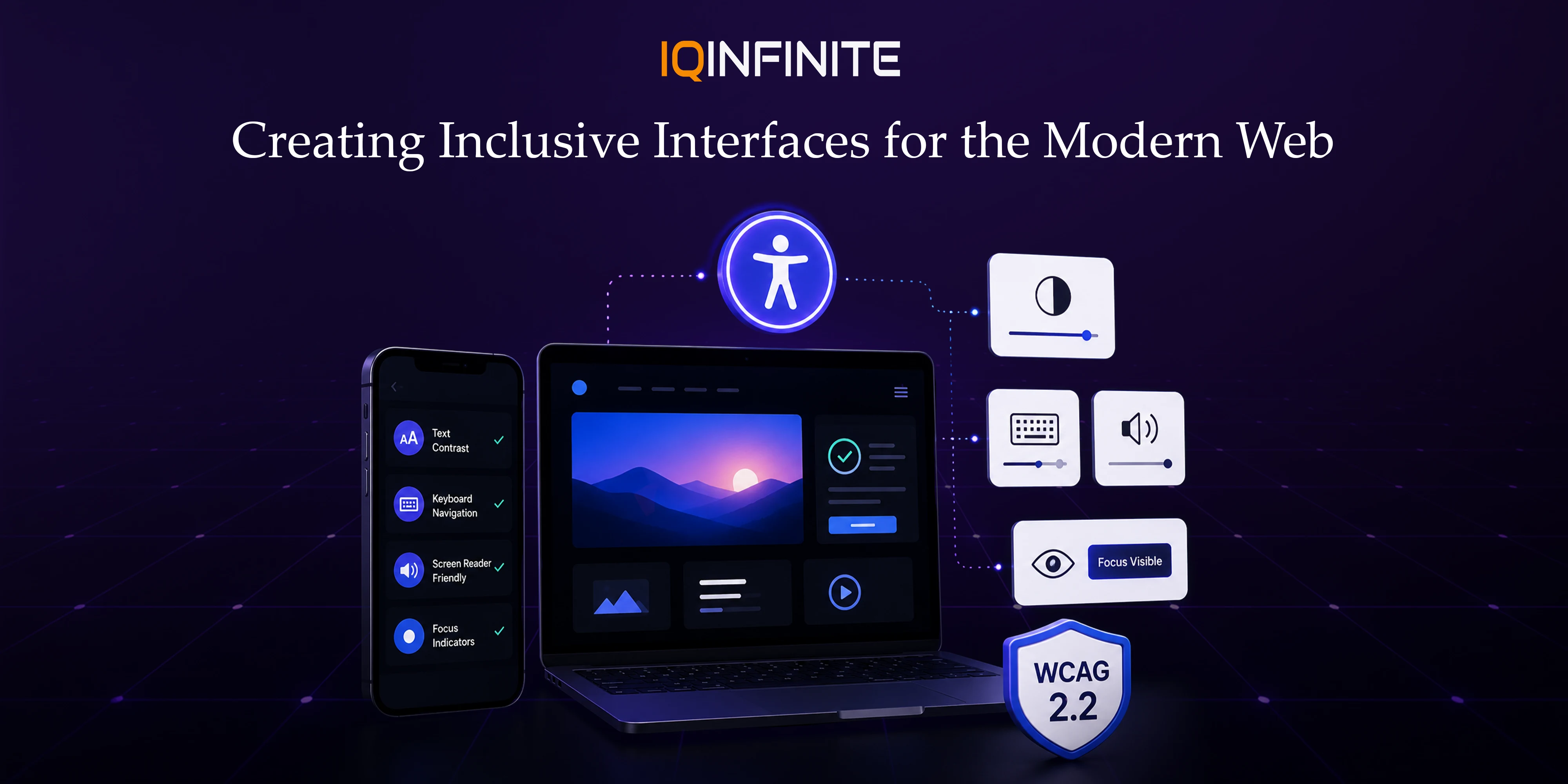
Digital accessibility is no longer just a compliance requirement it's a business necessity. As organizations strive to create inclusive digital experiences, Accessibility Design has become one of the most important aspects of modern UI/UX. With the release of WCAG 2.2 and ongoing discussions around future accessibility standards, designers must stay ahead of evolving guidelines to build products that everyone can use.
From websites and mobile applications to SaaS platforms and enterprise software, accessibility directly impacts user satisfaction, brand reputation, SEO performance and legal compliance. Companies across industries are now prioritizing accessible design because it improves usability for all users not just those with disabilities while delivering a better overall Product Experience.
What is WCAG?
These guidelines help designers and developers create digital products that are:
- Easy to perceive
- Easy to operate
- Easy to understand
- Compatible with assistive technologies
Perceivable:Information and interface elements must be presented in ways users can perceive whether visually, audibly or through assistive technologies.
Operable:Users should be able to navigate and interact using a keyboard, touchscreen, mouse, voice commands or assistive devices.
Understandable:Interfaces should be predictable, consistent and easy to comprehend.
Robust:Content should work reliably across browsers, devices and assistive technologies like screen readers.
Why WCAG 2.2 Matters in 2026
Some key reasons WCAG 2.2 is more important than ever include:
- Growing accessibility regulations worldwide
- Increasing adoption of AI-powered accessibility testing
- Higher expectations for inclusive digital experiences
- Better search engine rankings through accessible content
- Improved customer satisfaction and retention
- Expanded audience reach
What's New in WCAG 2.2?
1. Larger Clickable Targets
Benefits:
- Reduces accidental taps and clicks
- Improves usability on mobile and tablet devices
- Makes interfaces easier for users with limited dexterity and older adults
- Creates a more comfortable user experience for everyone
2. Clear and Visible Focus Indicators
Best Practices:
- Use clear, high contrast focus outlines
- Ensure focus indicators remain visible against all backgrounds
- Never remove the browser's default focus style unless it is replaced with an equally accessible alternative
- Maintain consistent focus behaviour across the entire interface
3. Consistent Help and Support Options
Why It Matters:
- Makes support easier to find
- Reduces user frustration
- Helps users complete tasks more efficiently
- Improves navigation for users with cognitive disabilities
4. Authentication Without Cognitive Burden
Accessible Authentication Methods:
- Password managers
- Passkeys
- Biometric authentication (fingerprint or facial recognition)
- Magic links
- One-time verification codes (OTP)
5. Simplified Drag-and-Drop Interactions
Alternative Interaction Methods:
- Buttons (Move Up/Move Down)
- Keyboard controls
- Context menus
- Select-and-place actions
Accessibility Trends Beyond WCAG 2.2
AI-Assisted Accessibility
Modern AI tools can automatically identify:
- Low contrast ratios
- Missing alternative text
- Inconsistent heading structures
- Keyboard navigation issues
- Form accessibility problems
Personalized User Experiences
Examples include:
- Adjustable font sizes
- Custom colour themes
- Reduced animations
- High-contrast modes
- Personalized reading layouts
Voice-First Interfaces
Accessible voice experiences include:
- Clear conversational flows
- Voice navigation
- Spoken confirmations
- Multimodal interactions
Inclusive Design Systems
Accessible design systems include:
- Pre-tested UI components
- Accessible colour palettes
- Keyboard-friendly navigation patterns
- Typography guidelines
- Form accessibility standards
Accessibility for Emerging Technologies
- Augmented Reality (AR)
- Virtual Reality (VR)
- Mixed Reality (MR)
- Spatial Computing
- Wearable devices
Best Practices Every UI/UX Designer Should Follow
Use Accessible Color Contrast:Ensure text remains readable against backgrounds and avoid relying solely on colour to communicate information.
Design for Keyboard Navigation:Every interactive element should be reachable without requiring a mouse.
Write Clear Interface Labels:Buttons, forms, navigation menus and icons should use meaningful, descriptive labels.
Maintain Consistent NavigationKeep layouts, menus and interactions predictable throughout the application.
Support Screen Readers:Design semantic layouts that developers can implement using proper HTML structure and ARIA attributes where necessary.
Avoid Flashing Content:Limit flashing animations and provide options to pause moving content to reduce risks for users with photosensitive conditions.
Test with Real Users:Automated tools are valuable, but usability testing with people who use assistive technologies provides insights that automated scans cannot.
Popular Accessibility Tools for UI/UX Designers
- Stark -- Accessibility checks for colour contrast, typography and design systems.
- Accessibility Insights -- Automated and guided accessibility testing.
- axe DevTools -- Industry-leading accessibility testing for websites and applications.
- Lighthouse -- Built into Chrome DevTools for accessibility audits.
- WAVE -- Visual accessibility evaluation for web pages.
- Contrast Checker -- Validates colour combinations against WCAG standards.
Business Benefits of Accessible Design
These include:
- Improved user experience
- Higher customer satisfaction
- Increased conversion rates
- Better SEO performance
- Lower maintenance costs
- Wider audience reaches
- Stronger brand reputation
- Compliance with global accessibility regulations
Preparing for the Future of Accessibility
Design teams should:
- Integrate accessibility into every stage of the design process.
- Stay updated with evolving WCAG guidelines and accessibility regulations.
- Incorporate accessibility reviews into design systems and workflows.
- Collaborate closely with developers and QA teams.
- Test products with users who rely on assistive technologies.
- Explore AI-powered accessibility tools to improve efficiency and accuracy.
Conclusion
Organizations that prioritize accessible design today will not only meet evolving standards but also strengthen user trust, expand their audience and build products that stand the test of time. As the industry looks beyond WCAG 2.2, embracing accessibility as an ongoing design philosophy will be key to delivering exceptional digital experiences.