
PHP Match Expressions: The Secret to Elegant Laravel Patterns
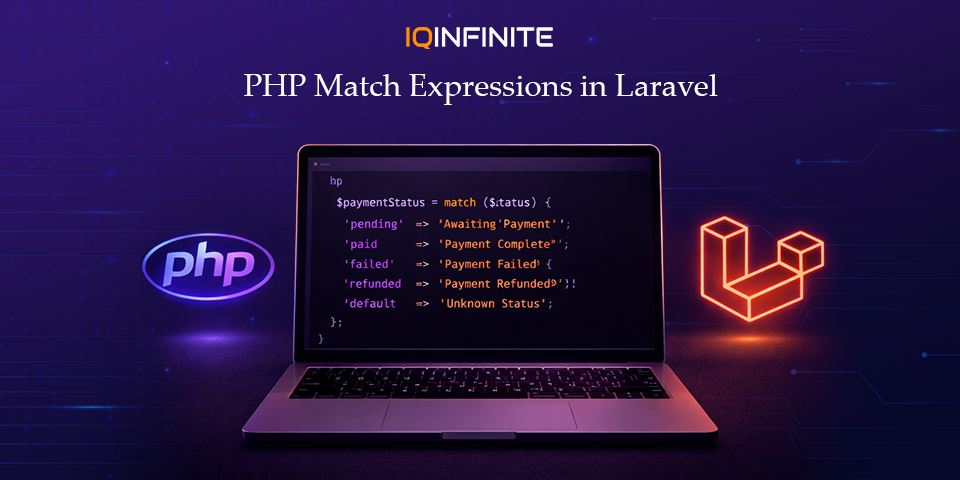
Modern Laravel development is evolving rapidly. With the rise of clean architecture, maintainable codebases and scalable APIs, developers are constantly searching for ways to write code that is both expressive and efficient. One feature that quietly transformed PHP development is the match expression, introduced in PHP 8.
If you’re wondering when was match expression introduced in php?, the answer is PHP 8, released in 2020 and since then, it has become a game-changer for developers.
Today, Laravel developers are increasingly adopting match expressions to replace verbose conditional logic and build more elegant application patterns. In this blog, we’ll explore what PHP match expressions are, how they work, highlight PHP match expression use cases and show how to use match expression in Laravel effectively in 2026.
The Evolution of Conditional Logic in PHP
- Long blocks of repetitive code
- Risk of missing break statements in switch cases
- Reduced readability in complex applications
What Is a PHP Match Expression?
Unlike a switch statement, a match expression:
- Uses strict comparison (===)
- Returns a value
- Does not require break statements
- Prevents fall-through bugs
- Supports multiple conditions per branch
Example
$status = 200;

$message = match ($status) {
    200 => 'Success',
    404 => 'Not Found',
    500 => 'Server Error',
    default => 'Unknown Status',
};

echo $message;
Why Laravel Developers Love Match Expressions
1. Cleaner Controller Logic
Instead of writing long conditional blocks:
switch ($role) {
    case 'admin':
        $dashboard = 'AdminDashboard';
        break;
    case 'editor':
        $dashboard = 'EditorDashboard';
        break;
    default:
        $dashboard = 'UserDashboard';
}
$dashboard = match ($role) {
    'admin' => 'AdminDashboard',
    'editor' => 'EditorDashboard',
    default => 'UserDashboard',
};
2. API Response Handling
return match ($statusCode) {
    200 => response()->json(['message' => 'Success']),
    401 => response()->json(['error' => 'Unauthorized']),
    404 => response()->json(['error' => 'Not Found']),
    default => response()->json(['error' => 'Unknown error']),
};
3. Role-Based Authorization Logic
$message = match (true) {
    $user->isAdmin() => 'Welcome Admin',
    $user->isEditor() => 'Welcome Editor',
    $user->isSubscriber() => 'Welcome Subscriber',
    default => 'Welcome User',
};
4. Pairing Match with PHP Enums
enum OrderStatus: string {
    case Pending = 'pending';
    case Paid = 'paid';
    case Cancelled = 'cancelled';
}

$statusMessage = match ($order->status) {
    OrderStatus::Pending => 'Waiting for payment',
    OrderStatus::Paid => 'Payment completed',
    OrderStatus::Cancelled => 'Order cancelled',
};
Match Expressions and Modern Laravel Architecture
Why match expressions fit modern Laravel development
They reduce long conditional blocks and improve clarity.
2. Encouraging Functional Programming Patterns
Since match returns values, it aligns with declarative coding styles.
3. Reduced Bugs Through Strict Comparison
Helpful when comparing PHP match vs switch statement, as match avoids type coercion issues.
4. Self-Documenting Logic
Clearly maps inputs to outputs, improving maintainability.
Common Pitfalls to Avoid
Missing default leads to errors.
2. Avoid Complex Business Logic
Keep match focused on value mapping.
3. Don’t Replace Every Conditional
Even when comparing PHP match vs switch statement, traditional conditionals still have their place.
Best Practices for Laravel Developers
- Use match expressions for simple value mapping
- Combine match with PHP Enums
- Keep expressions short and readable
- Use them in controllers, services and domain logic
- Prefer match over switch when appropriate (PHP match vs switch statement)
The Future of PHP Pattern Matching
For Laravel developers, this means:
- More expressive backend logic
- Less boilerplate code
- Better maintainability
Conclusion
By understanding PHP match expression use cases, comparing PHP match vs switch statement and learning how to use match expression in Laravel, developers can build cleaner and more maintainable applications.
In the evolving Laravel ecosystem of 2026 and beyond, mastering match expressions is no longer optional it’s a standard for elegant backend development.