
Generative UI in 2026: When Interfaces Are Designed in Real Time
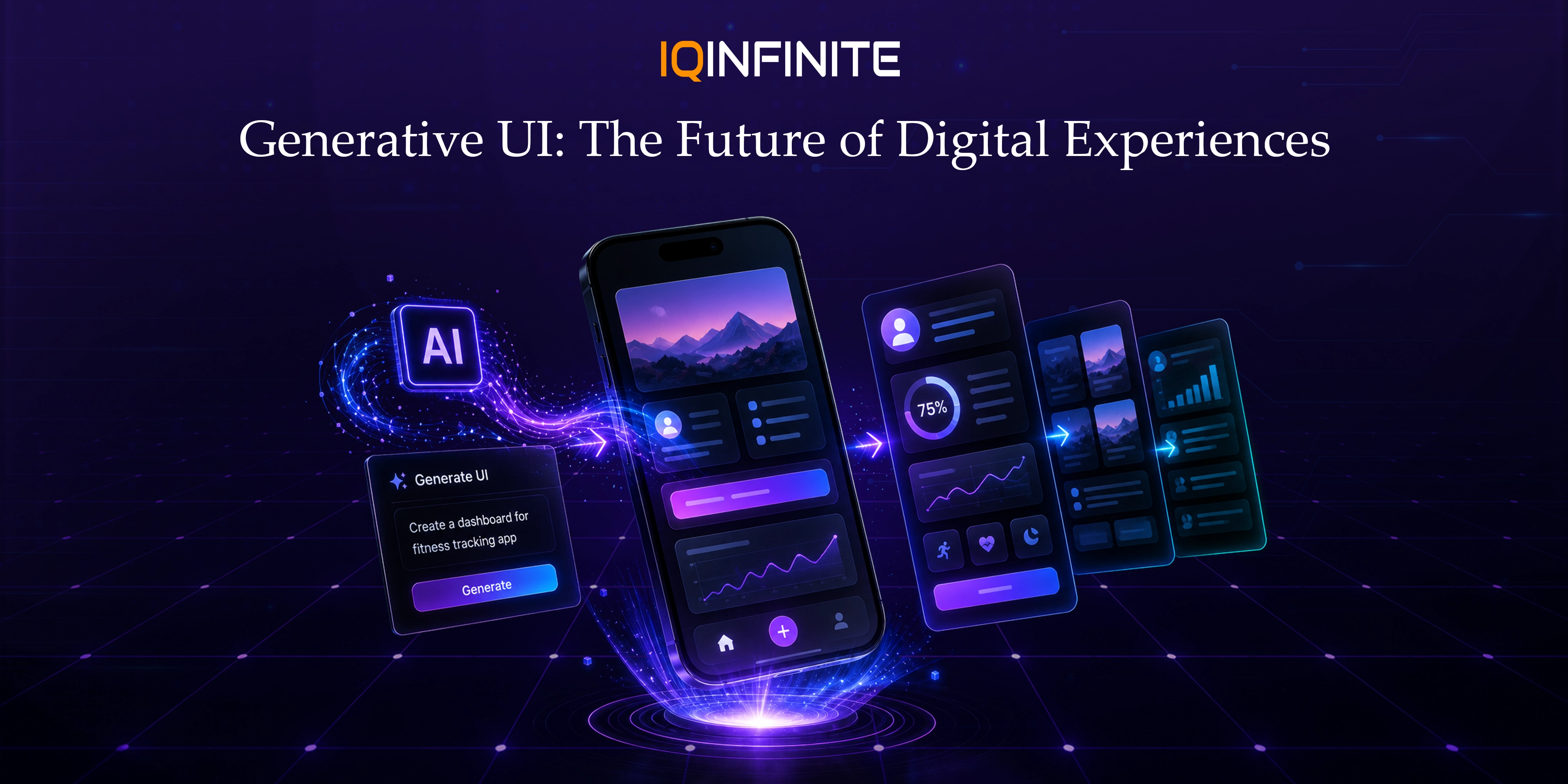
For decades, digital interfaces followed a predictable model: designers created screens, developers implemented them and users interacted with predefined experiences. Generative UI (GenUI) is changing that model by allowing AI systems to dynamically create or assemble interface elements based on a user's intent, context and task.
In 2026, Generative UI is moving beyond experimental chatbots and prototypes. AI agents can generate interactive cards, forms, dashboards, charts, workflows and task-specific interfaces instead of simply returning text. Emerging technologies such as A2UI, MCP Apps and AG-UI are helping developers build more interactive and agent-driven experiences.
This shift is creating a new direction for AI interface design: instead of creating one fixed interface for every user, products can deliver the interface that best fits the task.
What Is Generative UI?
Instead of manually designing every possible screen, developers can provide a controlled set of components, design rules, data sources and actions. The AI can then determine how those components should be presented.
For example, a user could ask:
"Show me this month's sales performance and highlight the regions that need attention."
Instead of receiving only a text response, the application could generate:
- A sales summary card
- An interactive revenue chart
- A regional performance table
- AI-generated insights
- Filters for time and region
- Actions to investigate specific results
Why Generative UI Matters in 2026
This is where AI UX design becomes important. AI interfaces need to adapt to user intent without becoming unpredictable or confusing.
A traditional application might require users to navigate through several screens to complete a task. A generative interface can potentially bring the relevant information, controls and actions together based on what the user is trying to accomplish.
The goal is not simply to make interfaces dynamic. It is to make them more relevant to the user's immediate context.
How Generative UI Works
1. User Intent
2. AI Reasoning and Context
3. UI Generation
4. Runtime Rendering
5. Continuous Interaction
The process can be represented as:
User Intent → AI Agent → UI Generation → User Interaction → Updated Context → New UI
Model Context Protocol and Generative UI
For Generative UI, this creates an opportunity to connect AI agents with useful application capabilities while providing structured interactions.
For example, an AI agent could use connected tools to retrieve business data and then present the result through an interactive dashboard, form, chart or approval interface.
Instead of treating the AI model, tools and interface as separate systems, developers can create a more connected experience where:
AI Agent + Tools + Context + UI = Interactive AI Experience
A2UI, MCP Apps and AG-UI
A2UI
This can allow applications to render agent-generated experiences using their own approved component systems.
MCP Apps
These experiences can include:
- Forms
- Dashboards
- Visualizations
- Interactive workflows
- Multi-step actions
AG-UI
Together, these developments point toward a future where AI agents, application logic, tools and interfaces can communicate through more structured interaction layers.
The Rise of Adaptive Interfaces
Generative UI can adapt an experience according to:
- User intent
- User preferences
- Previous interactions
- Device capabilities
- Application state
- Available data
- Task complexity
- User permissions
The interface becomes context-aware rather than simply device-aware.
This represents an important evolution in AI UX design.
Benefits of Generative UI
Personalized Experiences
Reduced Interaction Friction
Faster Product Development
Better AI Agent Interaction
More Flexible Digital Products
Challenges of Generative UI
Consistency
This means designers need to define not only individual components but also the rules governing how those components can be combined.
Security
Controlled components, permissions, validation, sandboxing and secure rendering are important.
Reliability
Performance
Human Oversight
Good AI UX design should make confirmation and review easy rather than hiding important decisions behind automation.
How Designers' Roles Are Changing
Instead of designing only individual screens, designers may increasingly define:
- Component libraries
- Interaction rules
- Design system constraints
- AI interaction patterns
- User states
- Accessibility rules
- Approval and confirmation patterns
- AI-generated interface boundaries
For product teams building generative AI applications, this distinction is critical. AI needs freedom to adapt while the product still needs consistency and control.
The Future of Generative UI
The long-term direction is not simply:
AI → Generated Screen
AI Agents + Context + Tools + Design Systems + Dynamic UI + Human Oversight
The role of AI interface design will therefore expand from creating static screens to defining the components, capabilities, rules and boundaries that allow AI systems to construct useful experiences.
Conclusion
The strongest implementations will not give AI unlimited control over the frontend. They will combine AI interface design, structured components, secure architecture, strong design systems, accessibility, performance optimization and human oversight.
As the Model Context Protocol, A2UI, MCP Apps and AG-UI continue to evolve, Generative UI could become an important part of modern web, mobile, SaaS and generative AI applications.
The future of UI may no longer be about designing every screen in advance.
It may be about designing the system that allows the right interface to appear when the user needs it.