
The Future of Spatial UI: Designing for Extended Reality
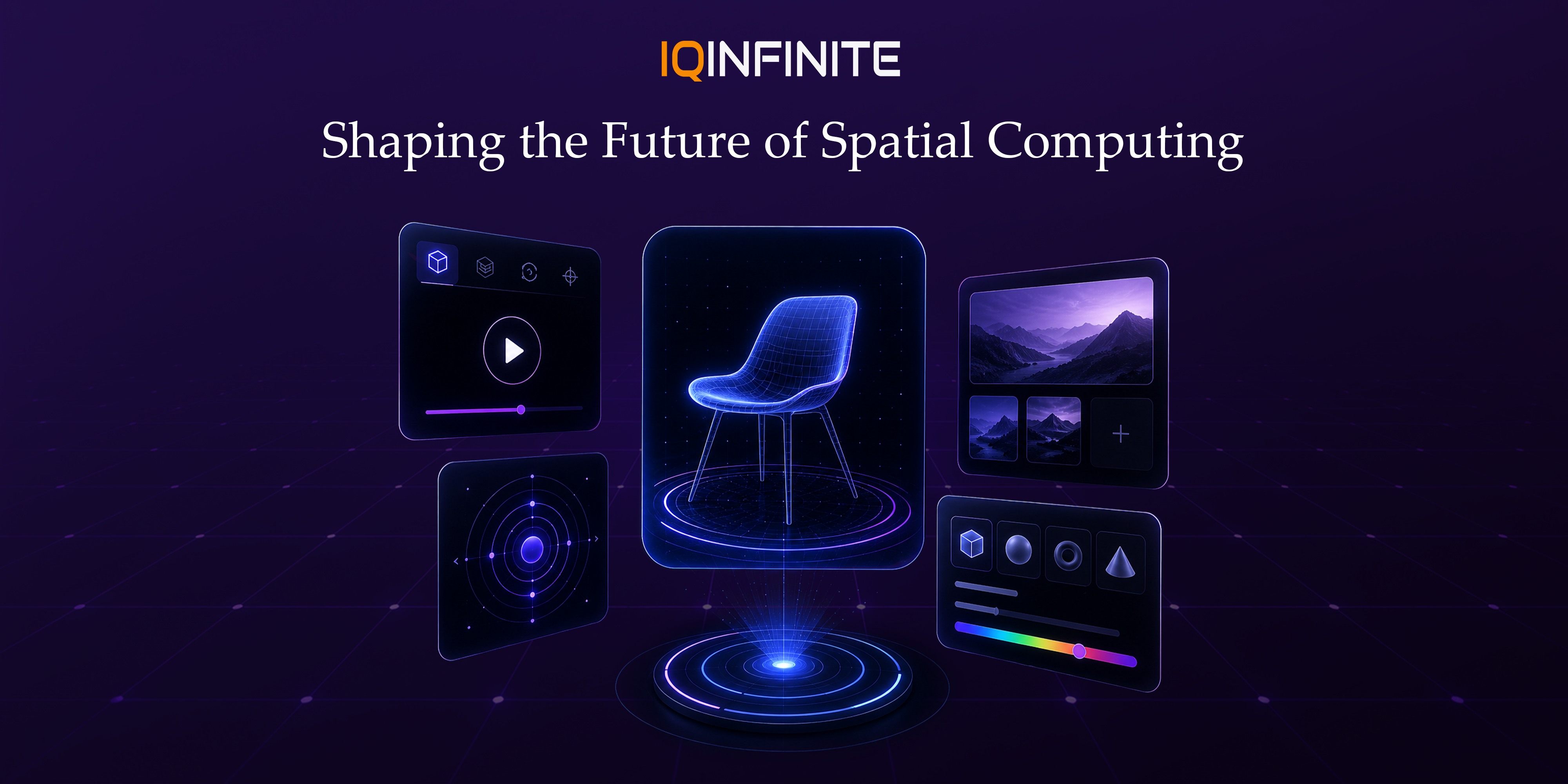
Extended Reality (XR) is no longer a futuristic concept it is becoming the next evolution of digital interaction. As businesses increasingly invest in Augmented Reality (AR), Virtual Reality (VR) and Mixed Reality (MR), traditional flat-screen interfaces are being replaced by immersive, three-dimensional experiences.
At the center of this transformation is Spatial User Interface (Spatial UI), a new approach to User Interface Design and User Experience Design that blends digital experiences naturally with the physical world. Instead of relying on buttons, menus and touchscreens, Spatial UI enables users to interact through gestures, voice commands, eye tracking, hand tracking and real-world movement.
With the rapid adoption of devices like Apple Vision Pro, Meta Quest, Microsoft HoloLens, Magic Leap and Android XR platforms, designing intuitive spatial experiences has become one of the most valuable skills in modern Digital Product Design.
What is Spatial UI?
Unlike traditional mobile or web interfaces that exist on a flat screen, Spatial UI understands:
- Physical surroundings
- User position
- Depth and distance
- Head movement
- Eye focus
- Hand gestures
- Voice interaction
- Environmental context
Imagine opening a virtual dashboard floating above your desk, resizing it with your hands and selecting options simply by looking at them this is Spatial UI in action.
Why Spatial UI is Becoming the Future of UX
Businesses are embracing Spatial UI because it enables:
- More immersive customer experiences
- Faster interaction without complex navigation
- Hands-free workflows
- Better collaboration in virtual environments
- Enhanced visualization of products and data
- Increased engagement and retention
Latest Spatial UI Trends in 2026
1. AI-Powered Adaptive Interfaces
Modern XR interfaces can now:
- Understand user behavior
- Predict actions
- Rearrange UI dynamically
- Personalize layouts
- Reduce cognitive load
2. Eye Tracking as the Primary Cursor
Eye tracking enables:
- Faster navigation
- More accurate selections
- Reduced physical effort
- Improved accessibility
- Natural interaction flow
3. Hand Tracking Replacing Controllers
Users can:
- Grab virtual objects
- Resize windows
- Pinch to select
- Scroll naturally
- Rotate 3D models
- Navigate menus
4. Voice + Gesture Hybrid Interfaces
Users combine:
- Voice commands
- Hand gestures
- Eye movement
- Head tracking
"Open Dashboard"
while simultaneously pointing toward a virtual workspace.
This significantly improves efficiency in professional environments.
5. Context-Aware User Interfaces
Interfaces automatically adapt based on:
- Room size
- Lighting conditions
- Available surfaces
- User posture
- Nearby objects
- Time of day
6. Persistent Spatial Workspaces
Instead, digital content remains anchored in real-world locations.
Imagine:
- Virtual monitors staying on your office wall
- Project boards attached to conference rooms
- Sticky notes floating beside your desk
- Product designs remaining in workshop spaces
7. Digital Twins in Enterprise Applications
Applications include:
- Factory monitoring
- Building management
- Smart cities
- Healthcare simulations
- Industrial maintenance
- Equipment diagnostics
Key Principles for Designing Effective Spatial UI
Design for Human Comfort
Maintain:
- Comfortable viewing distance
- Readable text sizes
- Smooth transitions
- Minimal motion sickness
- Stable interface positioning
Keep Interactions Natural
Examples include:
- Dragging objects
- Picking up items
- Rotating models
- Walking around content
- Using familiar hand gestures
Reduce Visual Clutter
Instead:
- Show only relevant information
- Use progressive disclosure
- Prioritize essential actions
- Maintain clear visual hierarchy
- Leave breathing room between objects
Use Spatial Audio
Spatial audio improves:
- Navigation
- Notifications
- Accessibility
- Collaboration
- Realistic interaction
Prioritize Accessibility
Consider:
- Voice navigation
- High-contrast visuals
- Adjustable text sizes
- Alternate interaction methods
- Seated and standing experiences
- Reduced-motion options
Industries Adopting Spatial UI
Retail & E-commerce: Customers can virtually place furniture, try on clothing, preview products and explore interactive showrooms before making a purchase.
Manufacturing: Technicians receive step-by-step maintenance instructions overlaid directly onto machinery, reducing errors and improving efficiency.
Education: Students experience immersive learning through virtual science labs, historical recreations and interactive classrooms that increase engagement.
Architecture & Real Estate: Architects and buyers can walk through buildings before construction, visualize layouts and make design decisions with greater confidence."
Challenges in Spatial UI Design
- Hardware limitations
- Battery optimization
- Motion sickness
- Interaction consistency across devices
- Privacy concerns with eye and hand tracking
- Learning curves for first-time users
The Future of Spatial Computing
Businesses will increasingly adopt XR for collaboration, remote assistance, immersive training, product visualization and customer engagement. As these technologies mature, designing for three-dimensional interaction will become a core requirement for modern digital products.
Organizations that invest in Spatial UI design today will be better positioned to create intuitive, immersive and future-ready experiences that differentiate them in an increasingly competitive digital landscape.
Conclusion
Whether you're developing enterprise XR solutions, immersive retail experiences or next-generation productivity tools, adopting Spatial UI principles will help you deliver applications that meet the expectations of tomorrow's users.
The future of digital interaction isn't limited to touchscreens it's spatial, intelligent and immersive.