
Designing User-Friendly E-Commerce Interfaces: Step-by-Step Guide
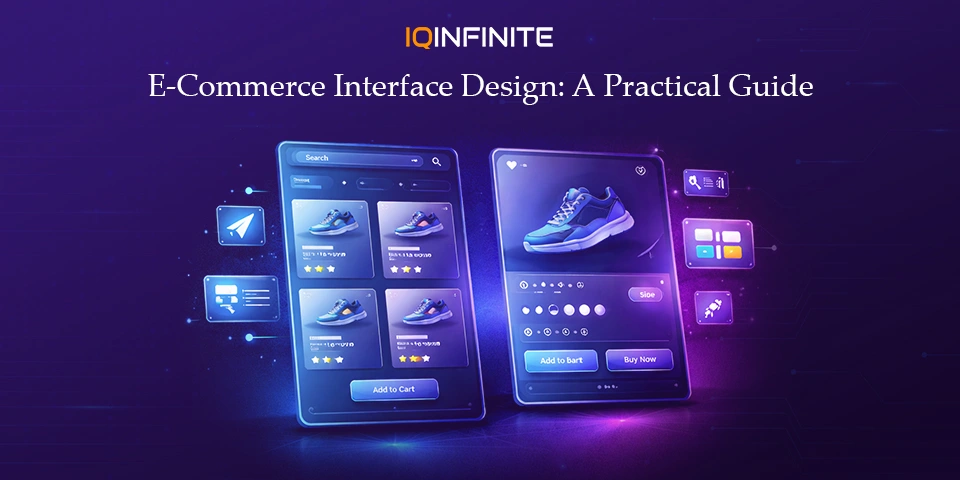
In today’s fast‑paced world of online shopping, first impressions are everything. A well‑designed, user‑friendly interface doesn’t just captivate visitors it drives conversions, strengthens customer loyalty and elevates your brand. With technology evolving at lightning speed, staying ahead of design trends while delivering smooth, intuitive experiences has never been more critical.
This guide offers a step-by-step roadmap, highlighting cutting-edge innovations and practical strategies that define the next generation of e-commerce interfaces, often inspired by modern collaborative environments and digital workflows such as claude cowork.
1. Start with Clear Goals & Deep User Research
Before picking colours or designing layouts, the foundation of any successful e‑commerce interface is understanding your users:
- Conduct surveys, interviews and usability tests to uncover motivations and pain points.
- Analyze behavior using analytics tools to track browsing patterns, purchase paths and drop-off points.
- Segment users by preferences, purchase history and demographics to tailor experiences effectively.
Why it matters: Designing without insight is guesswork. Understanding your audience ensures every design choice solves real problems, not assumptions.
2. Prioritize Mobile‑First & Responsive Design
Mobile commerce dominates, accounting for 60–70% of traffic and sales. Your site must shine on small screens first:
- Start with mobile layouts, then scale up for tablet and desktop.
- Ensure thumb-friendly touch targets for effortless one-handed use.
- Consider Progressive Web Apps (PWAs) for app-like speed, offline access and push notifications.
Key insight: Mobile-first doesn’t mean mobile-only it ensures usability across all devices without compromise.
3. Build Intuitive Navigation & Search
Users should never feel lost:
- Sticky top navigation keeps essential options visible.
- Predictive search with autocomplete guides users instantly to products.
- Clear categories and breadcrumbs provide context and reduce frustration.
Golden rule: Great navigation is invisible it works seamlessly so users barely notice it.
4. Embrace Minimalism & Strong Visual Hierarchy
Modern e‑commerce thrives on clean, purposeful design:
- Reduce cognitive load with whitespace and uncluttered layouts.
- Highlight products and CTAs using contrast, scale and typography.
- Stick to a refined colour palette to reinforce brand identity without distraction.
- Use high-resolution images that showcase products vividly.
Result: Users focus on what matters, boosting readability, trust and conversions.
5. Leverage Smart Personalization & AI
Personalized experiences drive engagement and revenue:
- AI-powered recommendations based on browsing and purchase history.
- Dynamic interfaces that adapt in real-time to user behavior.
- Localized offers and bundled products to entice conversions.
- Transparency in data use builds trust and complies with privacy expectations.
Impact: Personalized interfaces feel thoughtful, increasing loyalty and sales.
6. Optimize Checkout & Minimize Friction
Cart abandonment is a silent killer of sales. Make checkout effortless:
- Offer one-click or guest checkout options.
- Reduce form fields and leverage autofill for addresses and payments.
- Display multiple secure payment methods and security badges clearly.
Principle: Every extra step adds friction simplify to maximize conversions.
7. Integrate Advanced Product Visualization
Online shoppers can’t touch products help them see clearly:
- 360° product views and zoomable images.
- Augmented Reality (AR) for try-before-you-buy experiences.
- Product videos showing items in real-life use.
Benefit: Enhanced visualization builds confidence and reduces returns.
8. Add Micro-Interactions & Instant Feedback
Small, thoughtful animations make your interface feel alive:
- Animated buttons and hover effects guide user actions.
- Progress indicators ease anxiety during multi-step processes.
- Confirmation messages reassure and keep users informed.
Insight: Micro-interactions enrich the experience without overwhelming users.
9. Prioritize Accessibility & Inclusive Design
A truly user-friendly interface works for everyone:
- Support keyboard navigation and screen readers.
- Offer high-contrast modes and scalable text.
- Design for colour blindness and other visual limitations.
Why: Accessibility isn’t just ethical or legal it broadens your audience and strengthens brand trust.
10. Explore Emerging Interactions: Voice, AR & AI
The future of e-commerce is interactive and adaptive:
- Voice commerce enables search and purchases via speech.
- AI shopping assistants provide real-time personalized guidance.
- Machine-learning-driven adaptive interfaces evolve based on user behaviour.
Tip: Innovate selectively adopt features that genuinely add value to the user experience.
11. Test, Measure & Iterate
Design is never finished; it evolves with your users:
- Use heatmaps, session recordings and analytics to track behavior.
- A/B test layouts, wording and CTAs for performance gains.
- Collect direct feedback via surveys or in-app prompts.
Outcome: Iterative design keeps your interface aligned with user needs, technology trends and competitive standards.
Conclusion
Creating user-friendly e-commerce interfaces is not a one-off project it’s an ongoing journey. By focusing on clarity, personalization, mobile-first responsiveness and inclusive design, you can craft shopping experiences that feel seamless, engaging and perfectly aligned with today’s consumer expectations, including platforms that may integrate advanced features such as cryptocurrency trading.
Keep your finger on the pulse of emerging technologies, stay deeply attuned to your users and let your design evolve alongside changing behaviours. The result: a digital shopping experience that delights, converts and builds lasting brand loyalty.
Keep your finger on the pulse of emerging technologies, stay deeply attuned to your users and let your design evolve alongside changing behaviours. The result: a digital shopping experience that delights, converts and builds lasting brand loyalty.